BrightSign Control
Using BrightSign Control
BrightSign Control lets you easily manage and view your players through the cloud, and is especially useful for networks with 50 or more players. It is shipped free with every BrightSign player. To use BrightSign Control:
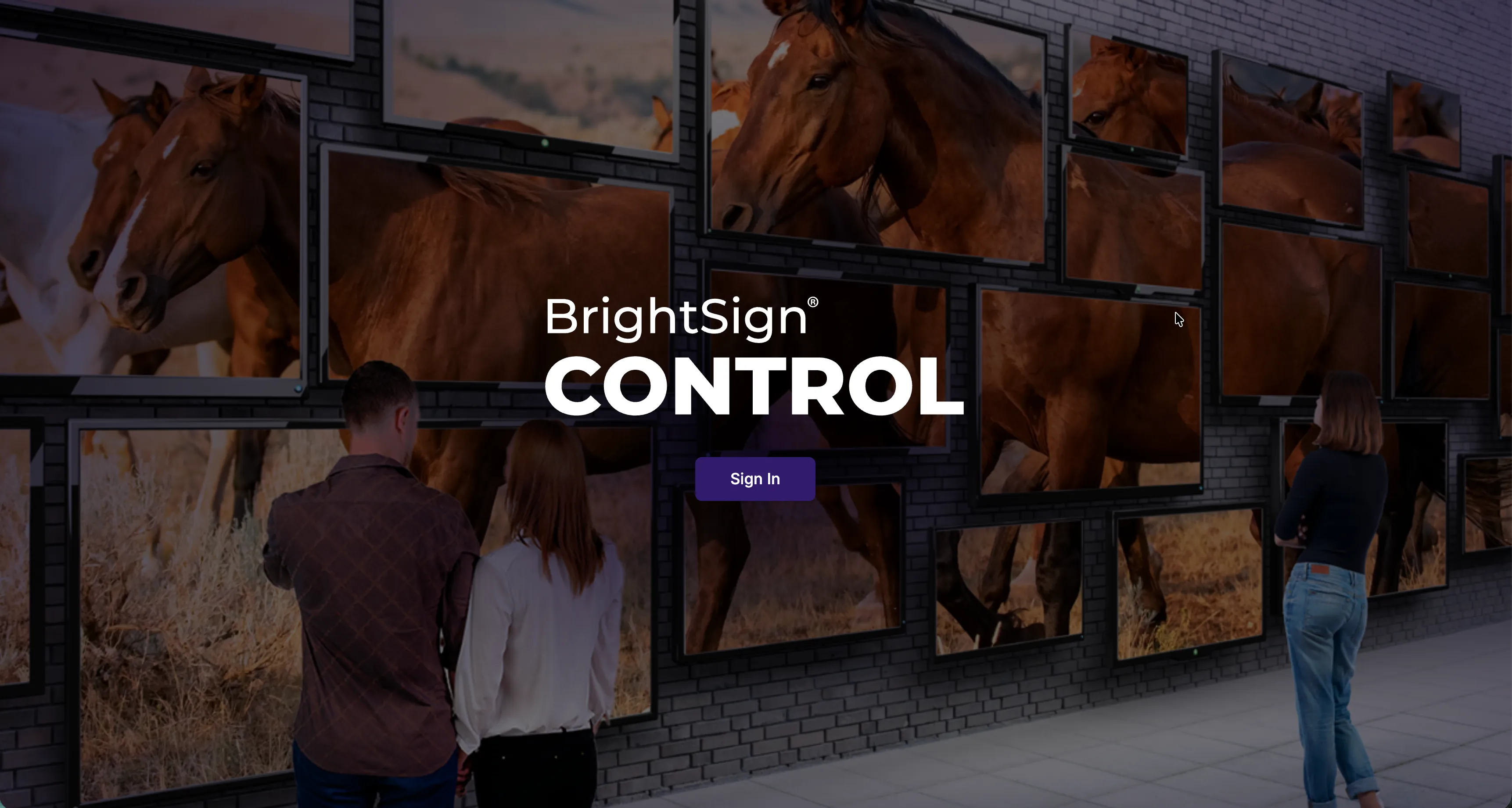
- Go to control.bsn.cloud. Sign in at the home screen (shown above).
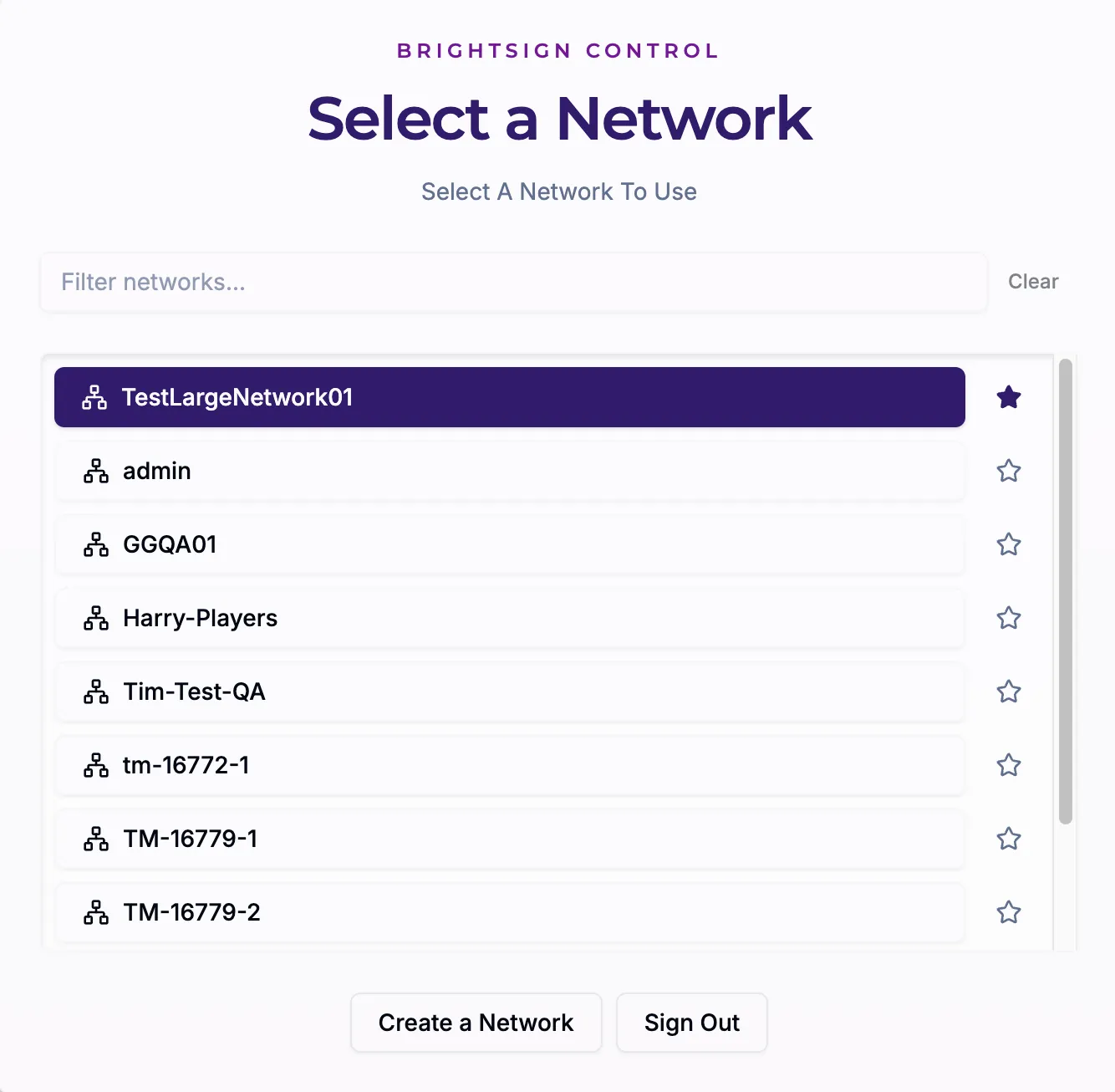
- Select your network. If you select the star next to the network (as shown below), it will always be at the top of the list.
Control vs. Control Plus
BrightSign Control Plus builds on BrightSign Control, giving you additional features that allow you to easily manage a fleet of players with management tools such as updating the player OS, AI assistance, alerts, checking player locations, and more.
Control
BrightSign Control provides the following tools to help you manage your players and network:
- Players: See detailed information about your players
- Player Setup: Register, manage Setup Files, and provision players
- Administration: Manage user accounts and role assignments, manage roles and permissions, see invitations, and get information about organizations on your network.
- Service Status: See service status, incidents, uptime trends, and network health.
You can access BrightSign Control directly at https://control.bsn.cloud/.
Control Plus
BrightSign Control Plus contains the following features:
- AI Assist (PLUS) Use AI to manage players and operations
- Player Status (PLUS): Check the health of your player fleet
- Locations (PLUS): See player locations
- Actions: Schedule and monitor actions
- Security (PLUS): Protect your BrightSign account with enterprise identity, audit, and posture management tools.
- Alerts (PLUS): Configure alerts for your players, networks, and subscriptions
To connect to Control Plus, upgrade your free BrightSign Control account under Plans & Pricing. You can either buy a subscription or try Control Plus through a free 30-day trial.
Other
- You can see release notes for this software in the Releases section.
- The following features can be accessed through BrightSign Author until they become available in Control and Control Plus:
- Viewing System Logs
- Network Configuration is limited to eth0 and DHCP as network options (Use Current Player Settings, however, will let you keep the current network settings on your player). This means that you should create Setup Files in BrightSign Author unless you just want to use eth0 and DHCP.
- Adding Digital Certificates. See Add Digital Certificates for more information on how to do this in BrightSign Author or BrightScript.
- Background color cannot yet be set in Control or Control Plus.
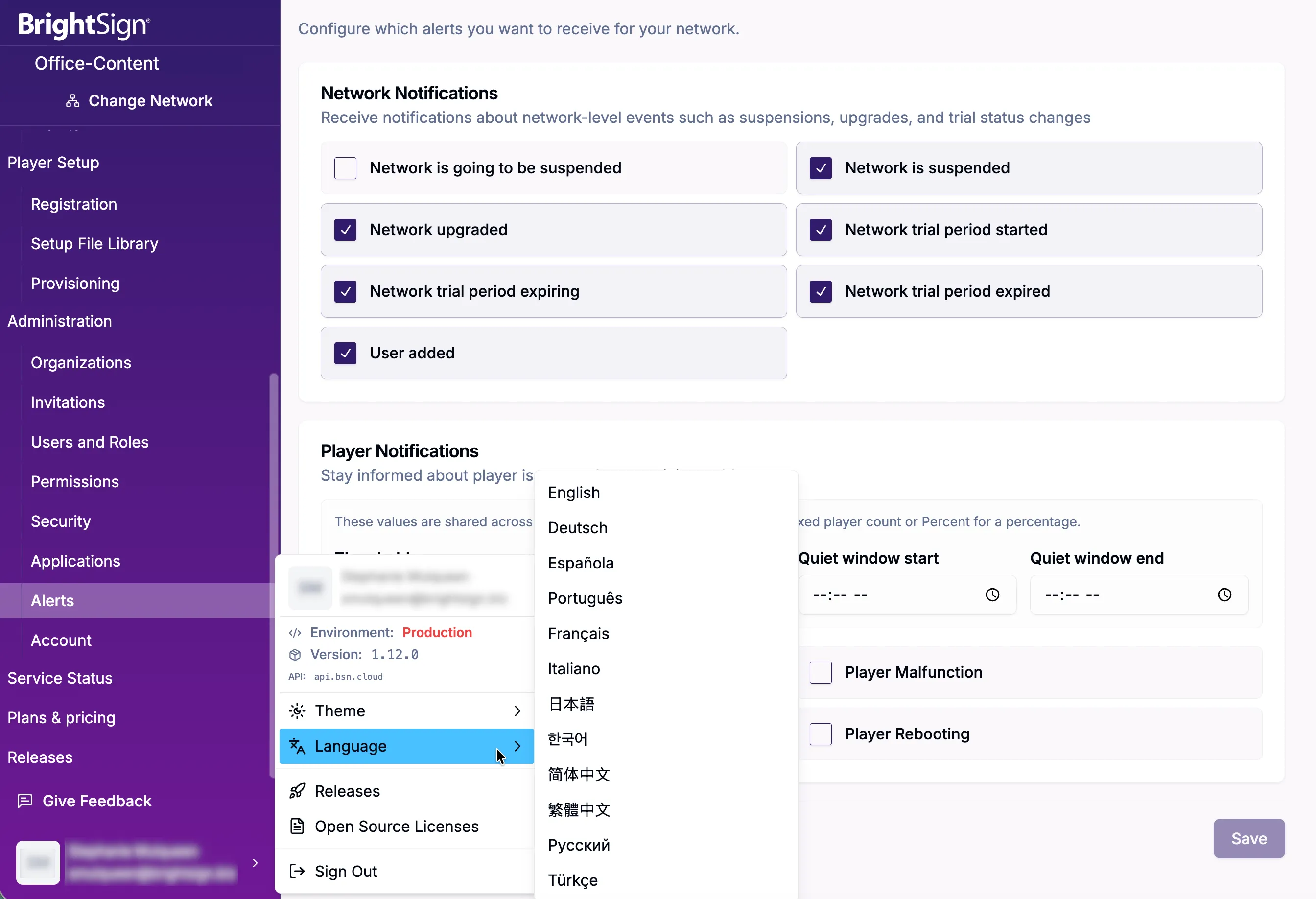
- You can view this interface in up to 12 different languages by selecting your login information at the bottom left of the screen, as shown in the image below. You can also switch to light or dark mode and provide feedback (including opening a support ticket) through this menu.