Schedule (PLUS)
1 min
This section, which is only available to Control Plus users, lets you schedule OS updates and reboots for multiple players, and reprovision multiple players.
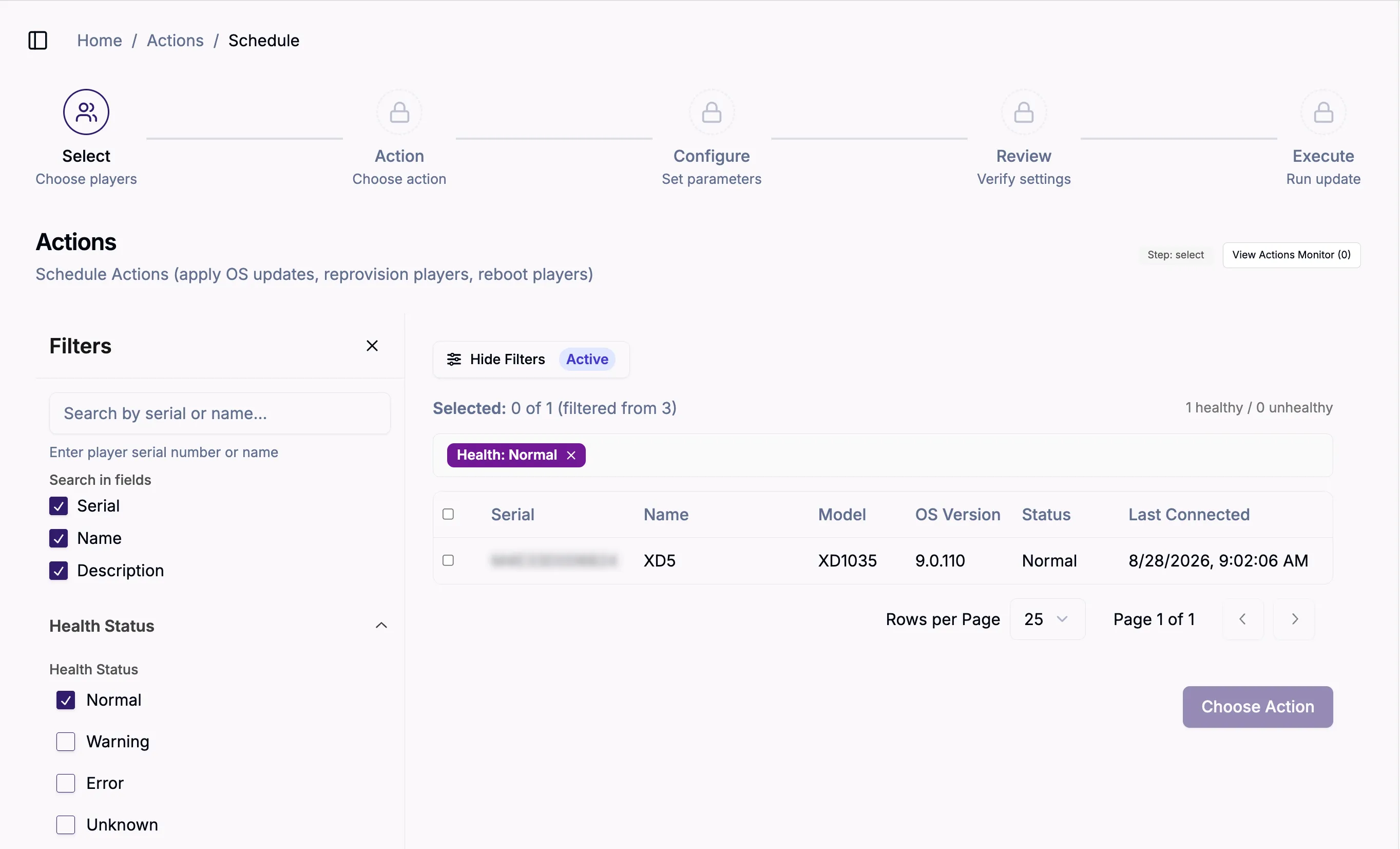
To create an action:
- Select one or more players
- Choose an update (OS update, Reboot players, Reprovision players) in the Action tab and select Continue.
- In the Configure tab, you can optionally select advanced options for the action and select Scheduling (Optional) to start the action at a future time.
- You can review and confirm your choices in the Review tab. Select Start Job to begin the action.
- Execute provides details about the action while it executes (and when it finishes).