Groups
This section lets you create groups and view the players that are inside a group.
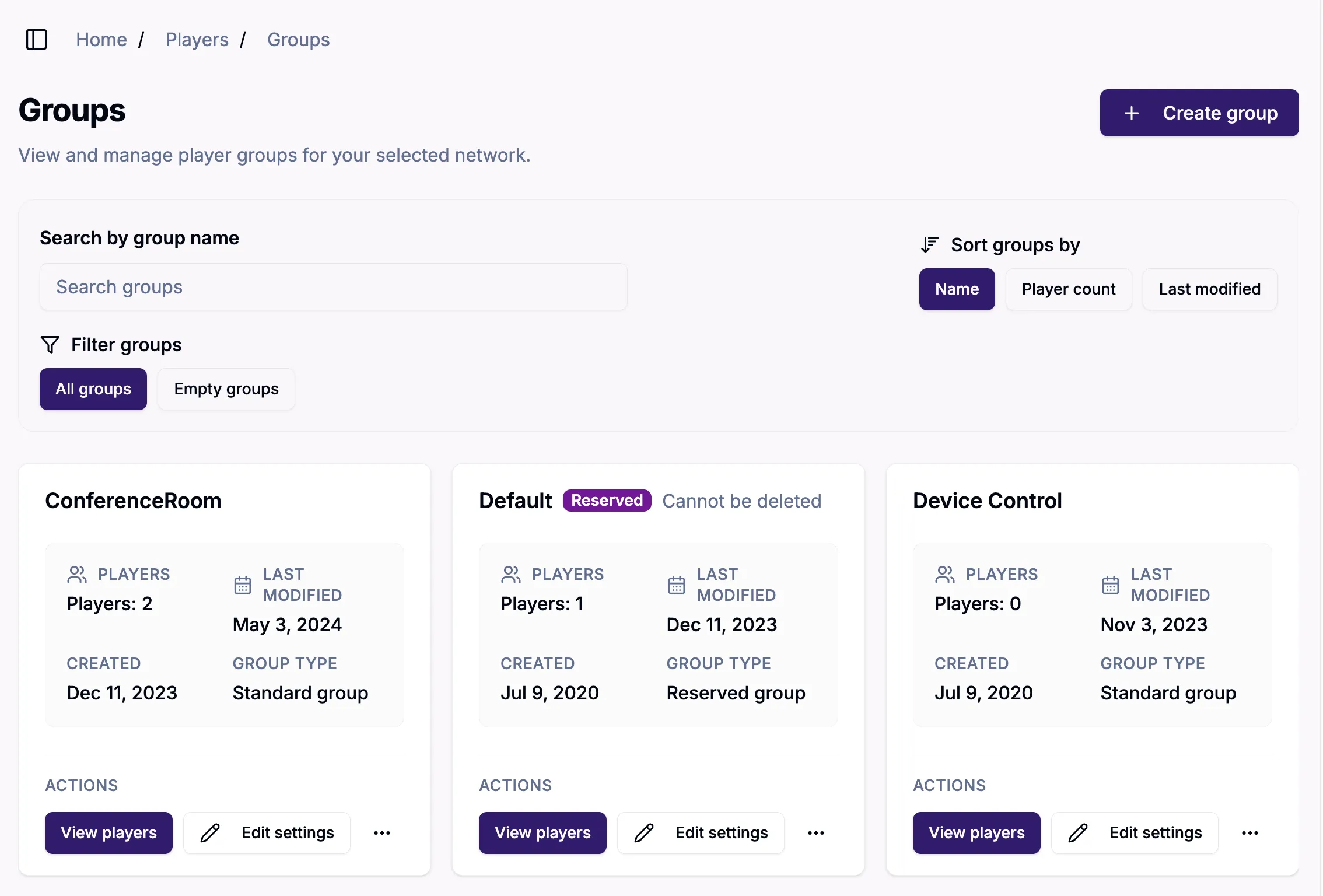
Search/Sort/Filter
You can search for groups by name (delete the name to clear the search) and use the filter to further search all groups or just empty groups; or sort groups by name, player count, or last modified date.
View/Edit/Actions
View players will take you to the Players section, which will let you view the players in the selected group.
Edit settings allows you to edit player group settings, such as updating debugging settings for the group you have selected.
The three dot icon lets you take actions on a group, such as deleting a group. Note that reserved groups, such as Default, Disabled Players, and Unassigned, cannot be deleted.
To move a player from one group to another, you must reprovision it.