Change a Network Name
1 min
To change a network name in Control/Control Plus:
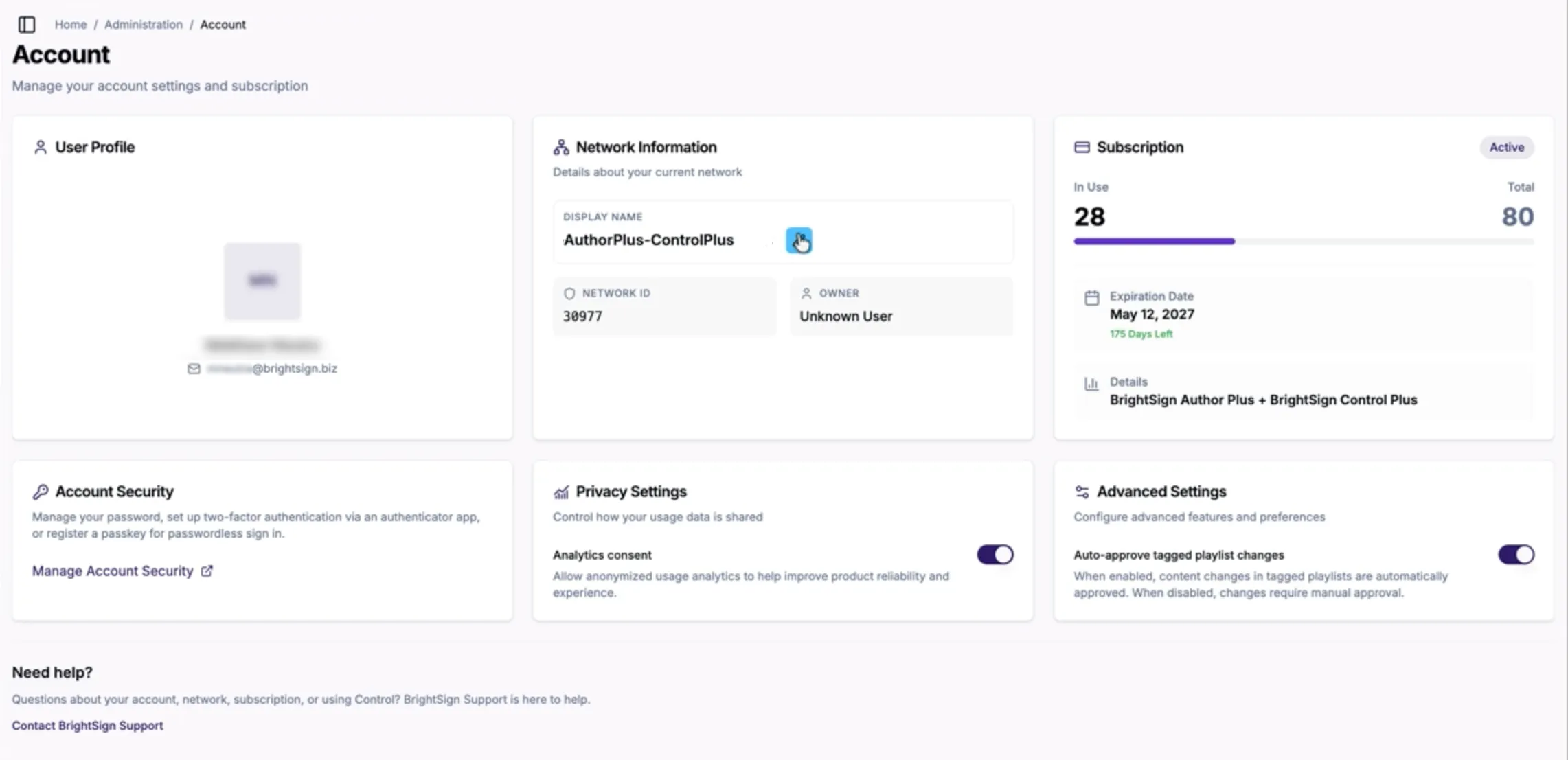
- Go to Adminstration > Account as shown above.
- In the Network Information box, select the pencil tool next to the Display Name.
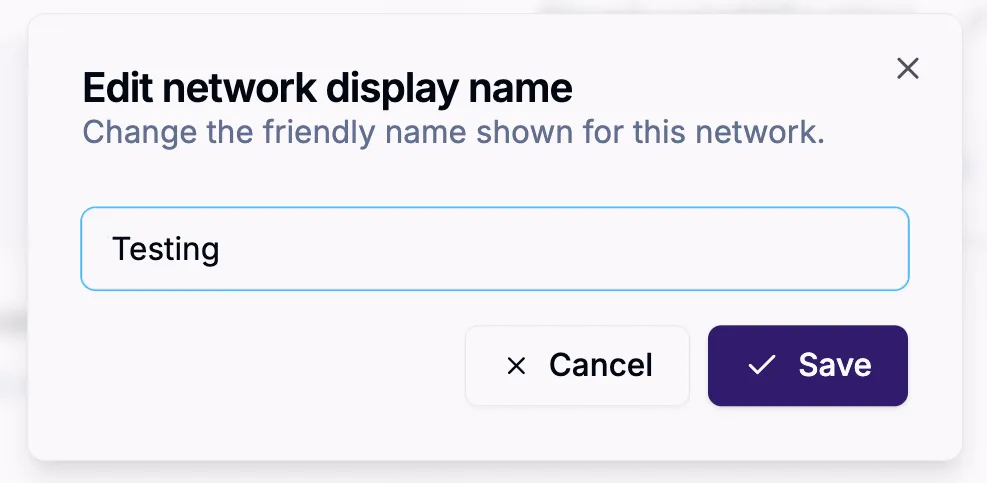
- This will bring up an Edit network display name dialogue box. Enter the new name and then select Save.