Account
1 min
This section lets you manage your account settings and subscription.
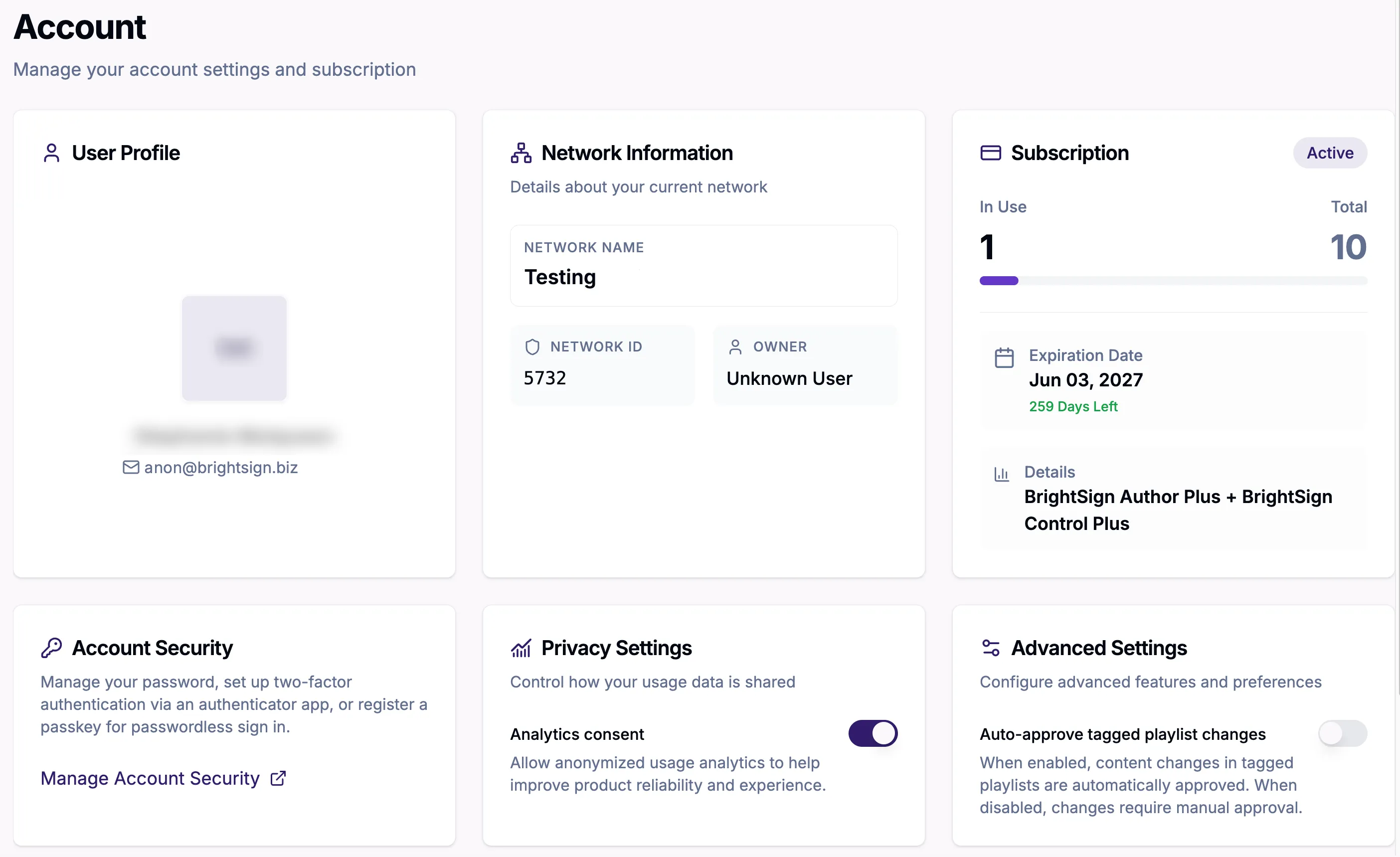
- User Profile: Contains the username and email
- Network Information: Contains information about the current network name, ID, and owner
- Subscription: Describes the total number of subscriptions and the number that are in use, as well as the subscription type and expiration date
- Account Security: The link in this section takes you to another page where you can see and configure:
- Personal Info: Here you can manage your basic information such as email, location, and username
- Account Security: In this section you can configure:
- Sign in:
- Basic authentication (sign in via password): In this section you can update your password
- Two-factor authentication (sign in via verification code): In this section, you can set up an authenticator application.
- Passwordless (sign in via Passkey): In this section, you can set up a Passkey for passwordless sign in.
- Device Activity: In this section, you can see signed in players and sign out of any unfamiliar players.
- Linked Accounts: Here you can manage logins through third-party accounts.
- Applications: Here you can view the applications your account can access
- Privacy Settings: Lets you control whether or not your data can be shared
- Advanced Settings: Allows you to auto-approve tagged playlist changes
The Need Help? section at the bottom of the page contains a link to BrightSign support for any questions or problems you may have.