Get Player Logs
Player logs can be obtained from the player's Diagnostic Web Server (DWS). Two methods are described below.
Diagnostic Web Server (DWS)
Local access (i.e., access over the local network) of the Diagnostic Web Server (DWS) is disabled by default as of BrightSignOS 9.0.218 (on the 9.0 branch) and BrightSignOS 9.1.75 (on the 9.1 branch). In BrightSignOS versions prior to these, local access to the DWS was enabled by default. To enable local access to the DWS, see DWS: Local AccessDWS: Local Access.
Note that some specially configured players have the external microSD card port and USB storage disabled at the factory (SKU: SVC-internal-storage-only). For these players, local access to the DWS remains enabled by default.
Remote access (i.e., access over the internet) of the DWS remains available for all internet-connected players registered with BrightSign Cloud.
To access the DWS locally, see DWS: Local Access. If the player is registered with BSN.Cloud and has an internet connection, the DWS can be accessed remotely; see DWS: Remote Access.
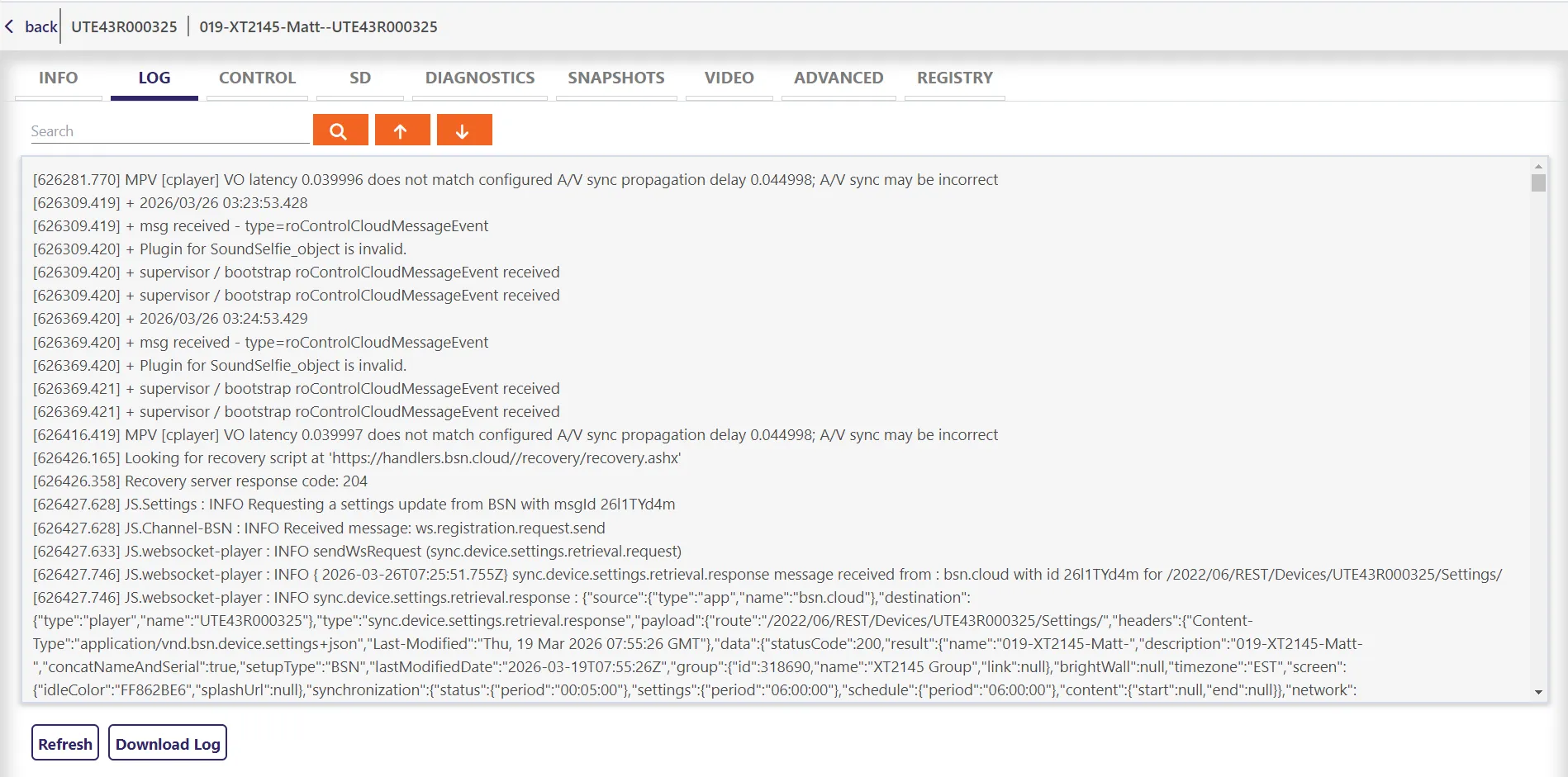
From the DWS, perform the following steps:
- Click on the Log tab.
- Click Download Log.
Using BrightScript
BrightScript users can get the DWS log content from roSystemLog ReadLog(). However, a known bug removes the initial log entries that start at 0.000.