Author Plus Setup
2 min
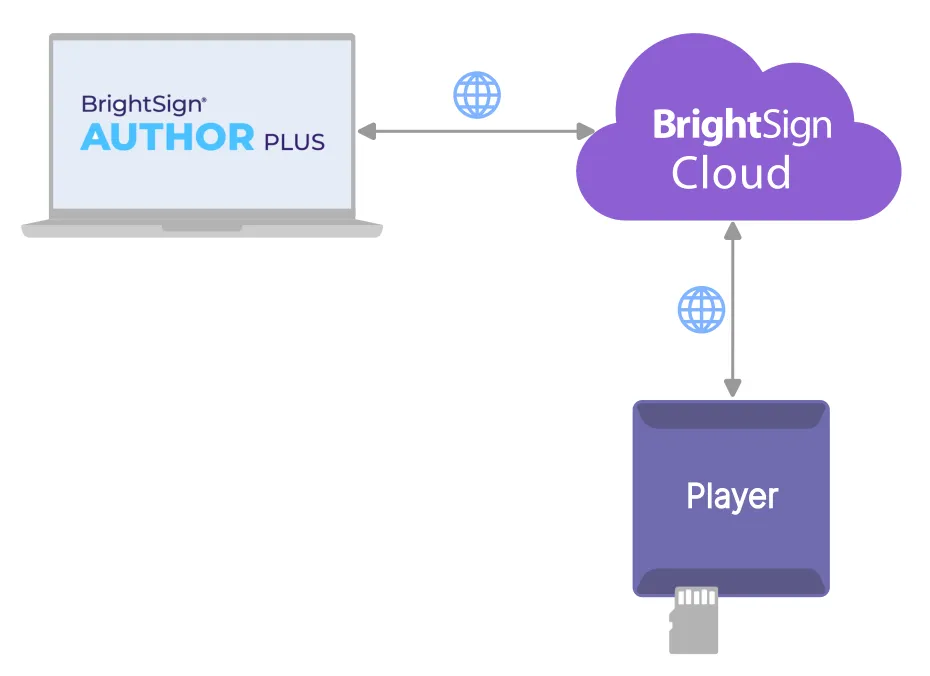
Add Setup File
From BrightSign Control, create / sign in to your account, and select or create a Player Network for the player to belong to (more info).
Go to: Player Setup / Setup File Library
Click Add Setup File to create a Setup File.
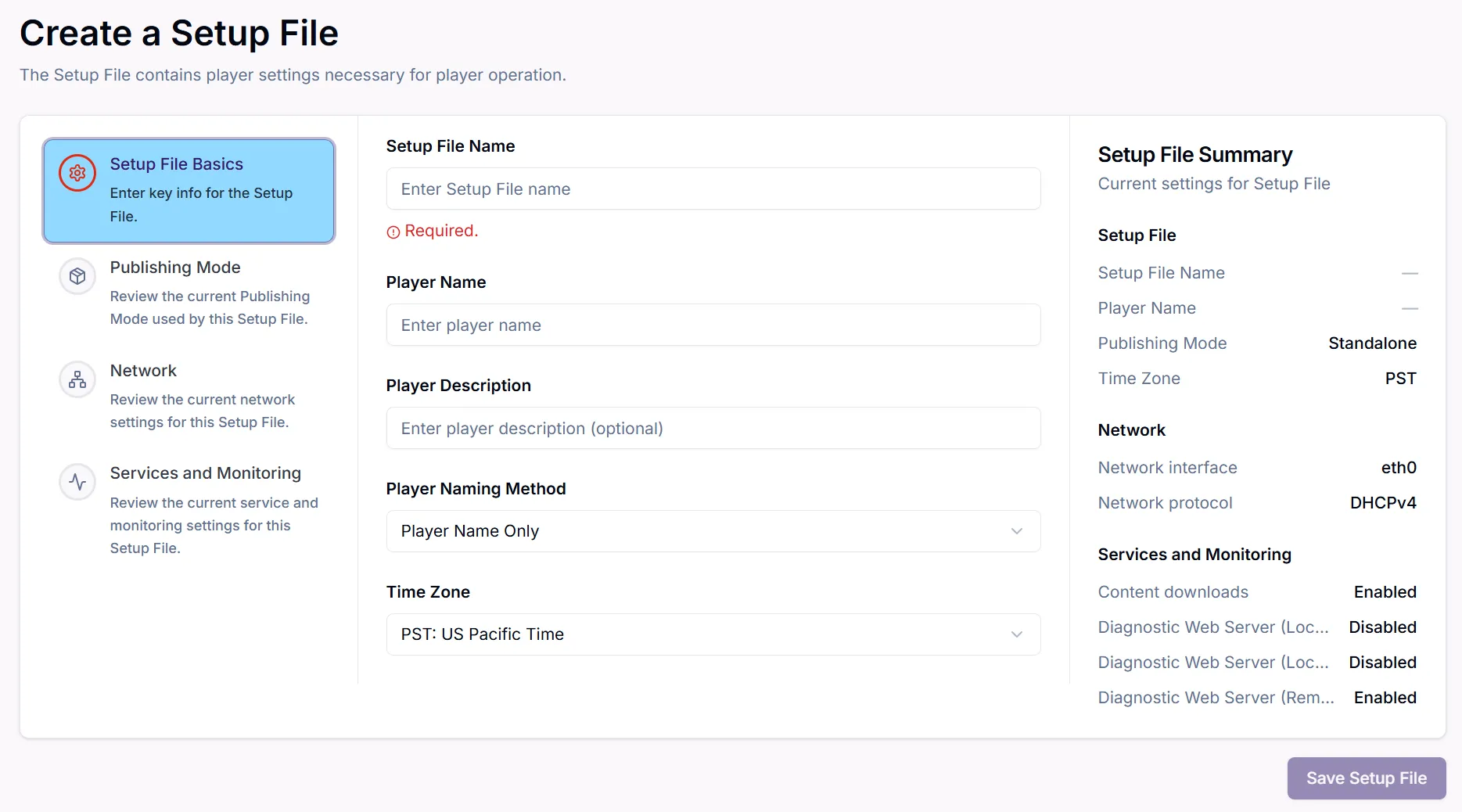
Settings are organized into the sections shown. Review the available settings and configure as necessary.
For the Publishing Mode, select Author Plus.
Click Save Setup File to save the Setup File to the Setup File Library.
Provision
Next, the player must registered and assigned the just-created Setup File. This process is known as Provisioning.