Setup File
5 min
A Setup File configures essential player settings and is required for a player to function.
If you do not create a Setup File, the Default Setup File will be assigned when the player is registered. For more info, see Default Setup File.
Setup File Library
From BrightSign Control, go to: Player Setup / Setup File Library
Here, you can view, edit, clone, or delete Setup Files.
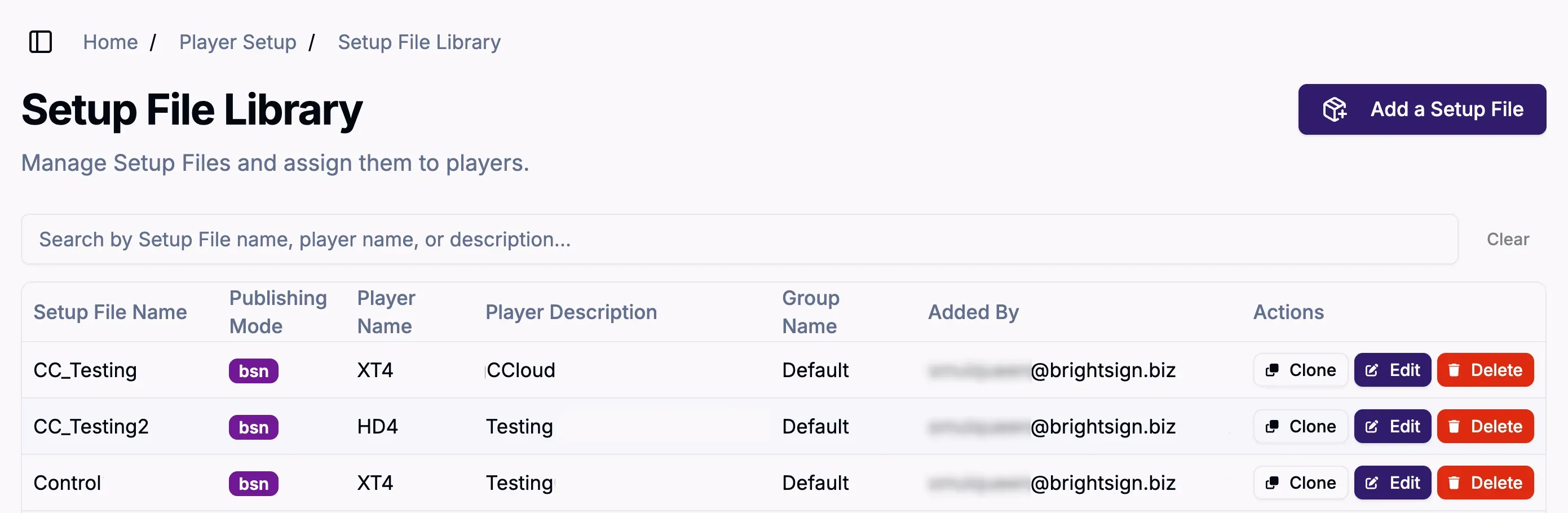
Create a Setup File
To create a new Setup File and add it to the library, click Add a Setup File. Here, you will be able to configure key player settings.
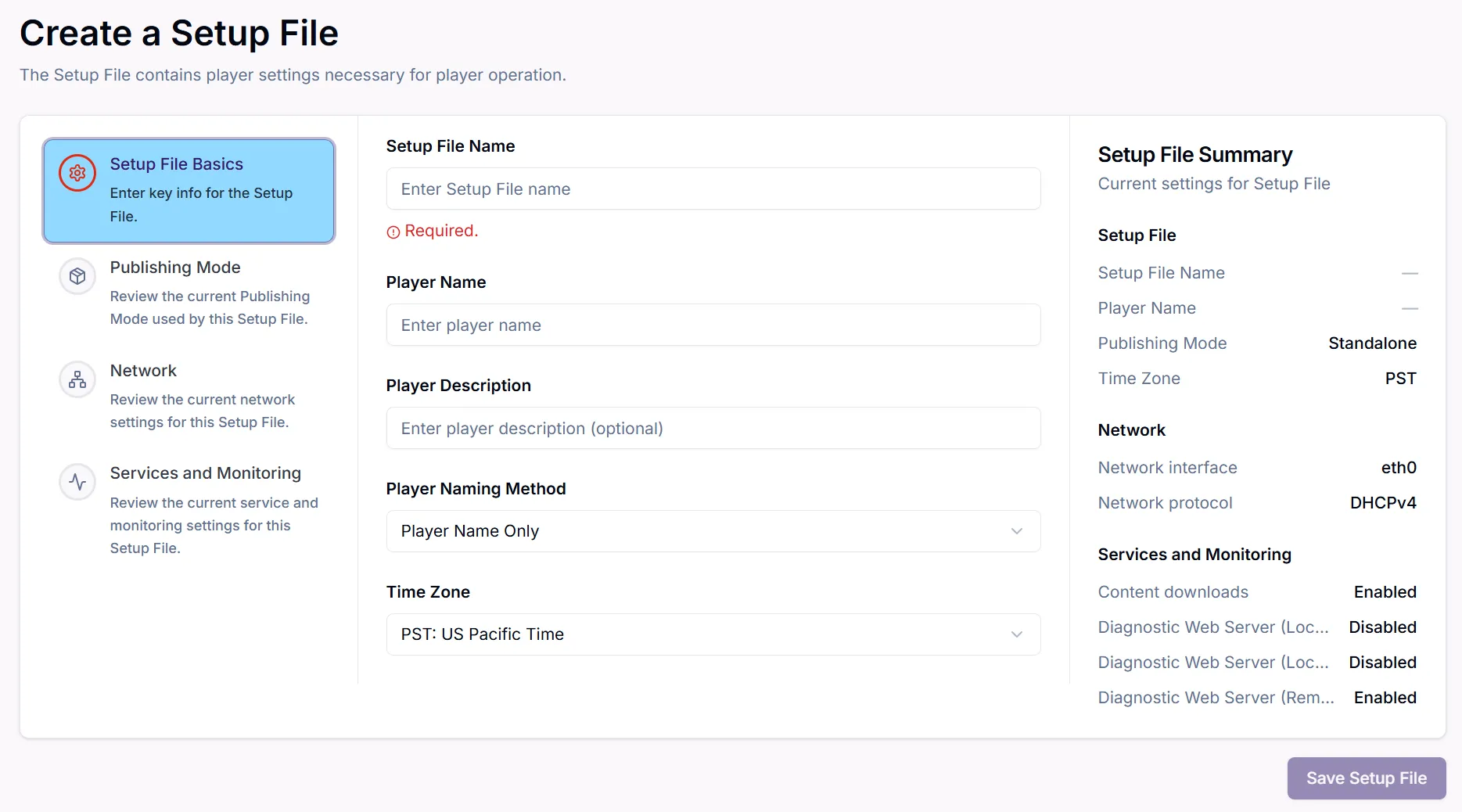
Setup File settings are organized into the following categories:
- Basics
- Set the Setup File name, player name, player description, and time zone as shown above.
- Publishing Mode
- The Publishing Mode determines how content will be delivered to the player and is dependent on your desired CMS (Content Management System).
- Network
- Configure the player's network access (e.g., Ethernet, Wi-Fi, USB-connected networking, etc.).
- Services & Monitoring
- Enable features like the Diagnostic Web Server (DWS) or Local Web Server.