Player Setup/Provisioning
Player Setup
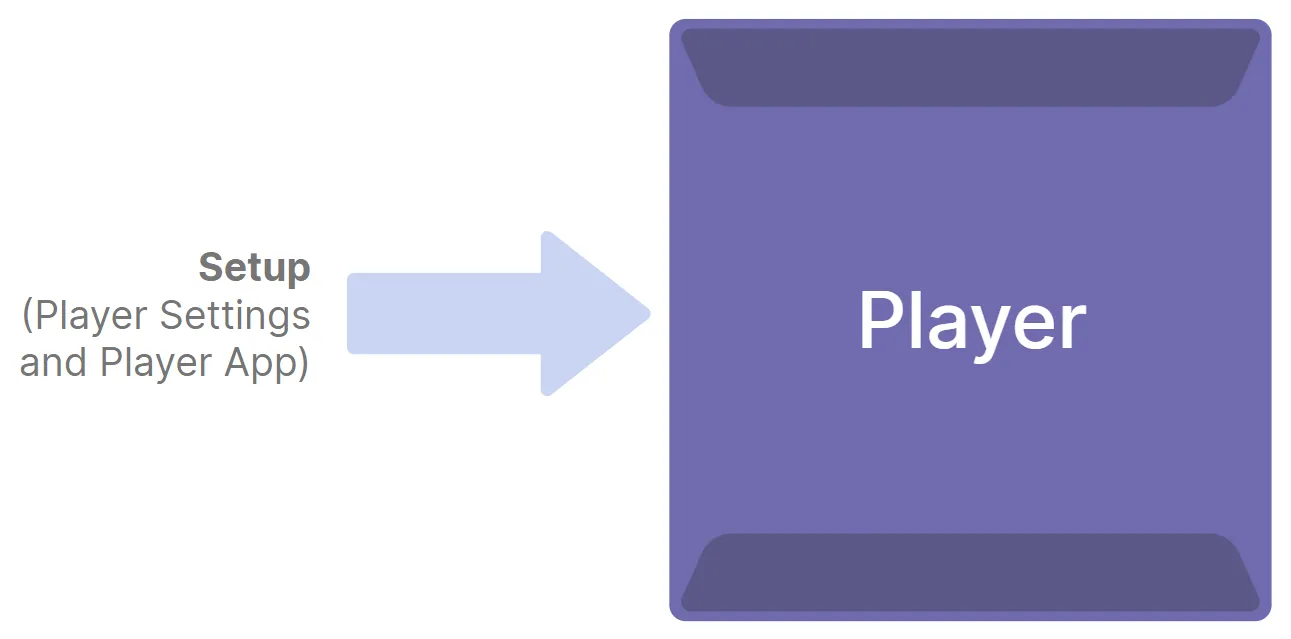
As covered in the Set Up section, new players must first be set up before they can do much of anything. This process involves applying a Setup File to the player. The Setup File applies various settings to the player (network settings, Publishing Mode, logging, etc.) and includes a Player App which provides instructions for what the player should do upon startup.
Player Provisioning
The term provisioning refers to using BrightSign Cloud (BSN.Cloud) to set up a player, and given that BrightSign Control or BrightSign Author is used the vast majority of time to set up players, the term provision is often used when referring to player setup.
The primary cases where a player can be properly set up instead of provisioned (i.e., BSN.Cloud is not used to apply the Setup File to the player) are:
- Standalone player configurations where the Setup File is manually copied to a storage device and then the storage device is connected to a player.
- Uncommon situations where a partner chooses to set up players without using BSN.Cloud.
With BSN.Cloud, provisioning a new player can be nearly automatic - if things are properly set up beforehand, new players can be automatically provisioned just by plugging them in! For customers who can’t or don’t want to connect their players to the internet, offline provisioning options are also available.
Players can be provisioned for free using either BrightSign Author or Control. However, most partners prefer BrightSign Control (control.bsn.cloud), this guide will largely focus on using that interface.
Setup
Setup Files can be created using the interface at control.bsn.cloud. Setup Files can be saved to the Setup Library to be used or modified in the future.
Once created, Setup Files can be applied to a player or group of players using control.bsn.cloud. Alternatively, the information contained in a Setup File can be directly incorporated into the Player App (described below) and manually copied to the player’s storage device.
Player Settings
The Setup File establishes various player settings which include things like Publishing Mode, network settings (Ethernet, WiFi, etc.), player identification (name and description), logging, and more.
Player App
The set of files and folders that instruct the player what to do upon boot up is collectively known as the Player App. At a minimum, the Player App must contain an autorun.brs file (the .brs extension denotes a BrightScript file) which instructs the player what to do upon startup.
When a Setup File is applied to a player via BrightSign Cloud, an autorun.brs file is automatically created on the player.
Partners can write custom Player Apps according to their specific needs. For example, the Player App may be designed to connect to the partner CMS to download content from the CMS for the player to display.
The term Partner App or Partner CMS may sometimes be used when referring to the partner’s Player App.
Next - Player Provisioning and Recovery System Requirements >Next - Player Provisioning and Recovery System Requirements >