User Variable
1 min
This page / section pertains to BrightAuthor Classic, our legacy app. BrightSign Author is our latest app for managing content and players.
Development of BrightAuthor Classic has largely ceased and the app will eventually be deprecated and replaced with BrightSign Author.
The User Variable state allows you to display the value of a User Variable in a Ticker zone.
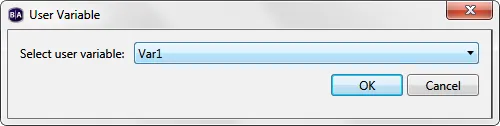
When you add a User Variable state to the playlist, you will be prompted to select the name of the variable to display. To add User Variables to your presentation, go to File > Presentation Properties > VariablesFile > Presentation Properties > Variables.