Buttons
1 min
This page / section pertains to BrightAuthor Classic, our legacy app. BrightSign Author is our latest app for managing content and players.
Development of BrightAuthor Classic has largely ceased and the app will eventually be deprecated and replaced with BrightSign Author.
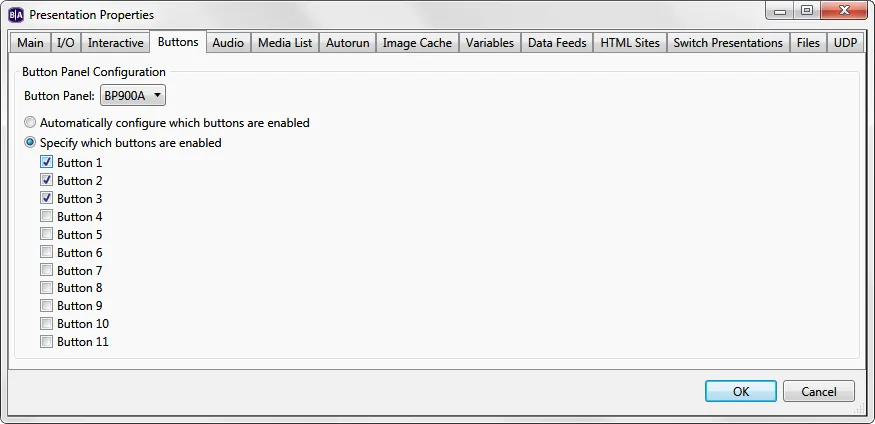
Use the Button Panel dropdown list to select the type of button panel (BP200 or BP900) you wish to configure. The A, B, and C letters specify which device is enumerated first; the B and C letters are only applicable if you are connecting more than one BP device of the same model number to the player.
Choose one of the following:
- Automatically configure which buttons are enabled: Only buttons that are configured with BP200/BP900 events in the presentation will be enabled. All other buttons will not light up or react to button presses
- Specify which buttons are enabled: Only the specified buttons will be enabled regardless of whether there are BP200/BP900 events in the presentation that are configured to use them. If this option is selected, a BP200/BP900 event set to the Any Button option will only react to button numbers that have been enabled.