Adding a CMS to bsn.Cloud Partner Gallery
1 min
The BrightSign Partner Gallery is a provisioning option that makes your CMS available to select in BSN.Cloud. With the correct configuration (see the exact steps below), the user can view the CMS landing page directly after booting up the player.
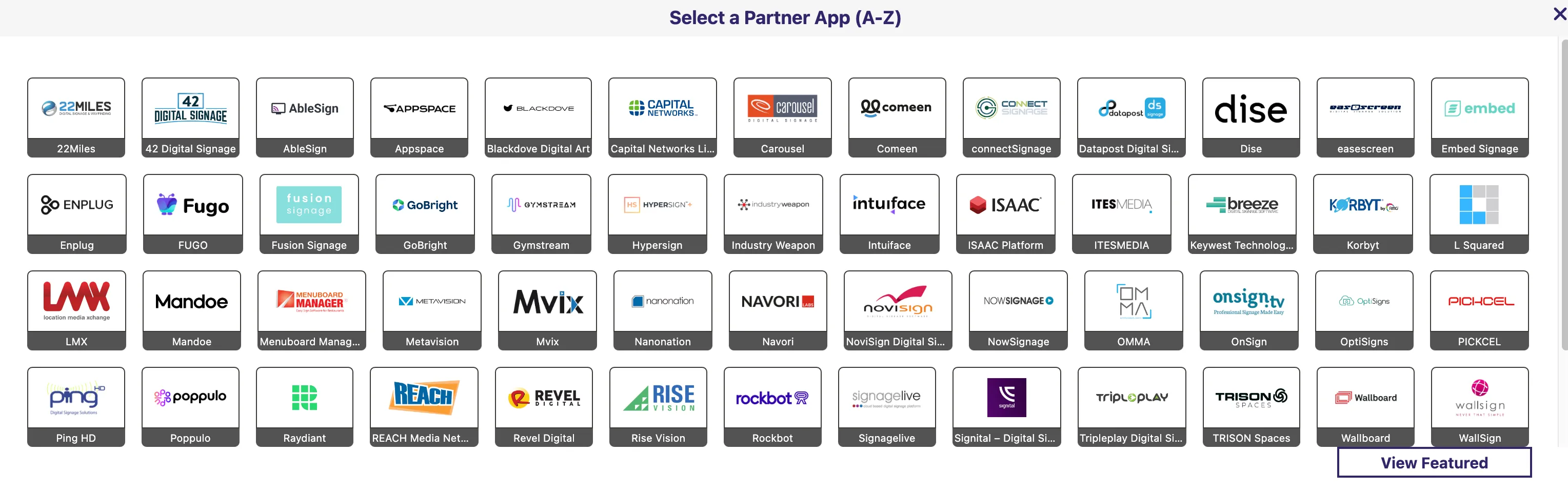
The BrightAuthor:connected Partner Gallery view
To include your CMS in the Partner Gallery, email [email protected] or [email protected] with the following information:
- Your company name, exactly as you want it displayed
- The company logo as a PNG image
- A persistent URL to an autorun.zip package with your application files:
- See Create / Install an autorun.zip for details on how to create an autorun.zip file:
- Host that autorun.zip at a persistent URL on your servers, accessible by the players. HTTPS is required.
- To test your URL, please set up a player via the CMS URL Setup option
- A photo or screenshot that shows the screen on the player after your test of the URL setup
- A contact email address in case we discover errors with the autorun.zip package
Once your app has been added to the gallery, users can set up their players with your CMS using Partner CMS Setup.