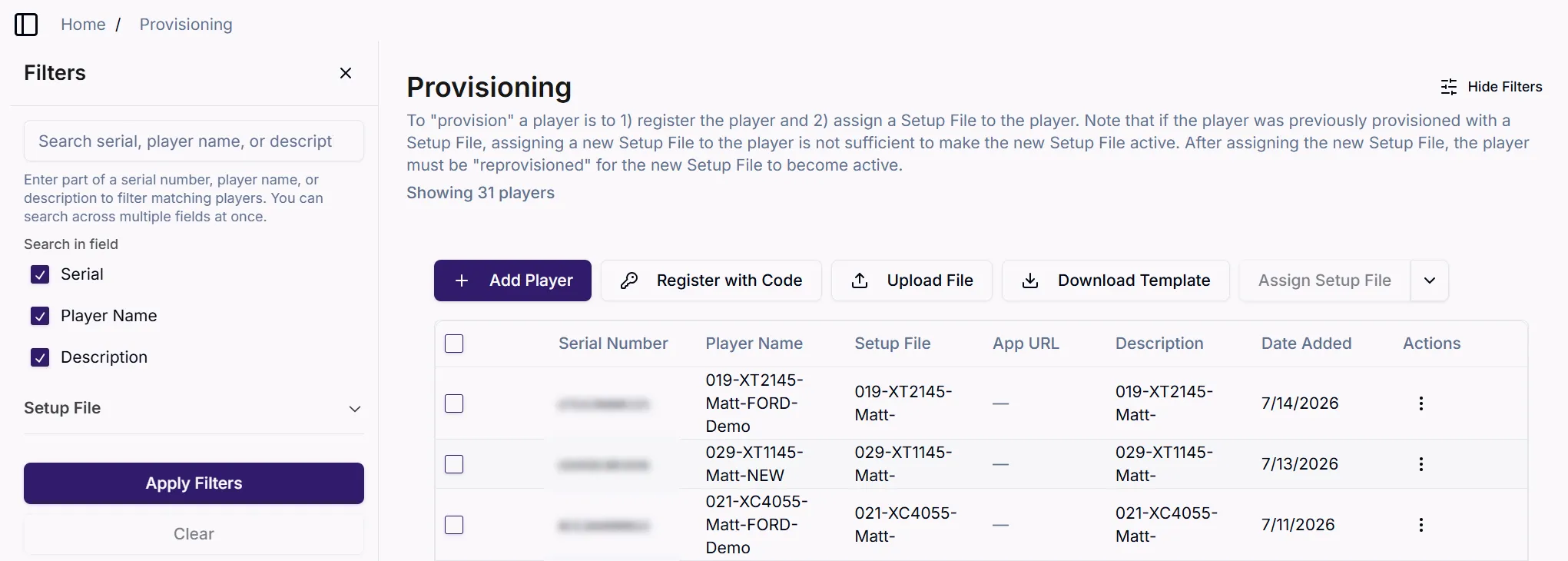
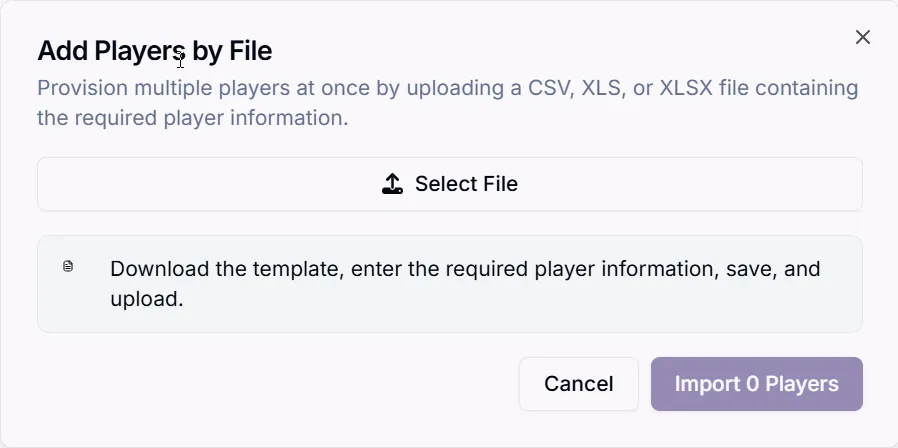
Bulk Provisioning is the process of provisioning multiple players at once.
To provision multiple players, go to: Player Setup > Provisioning
Download Template
Click Download Template to download the .csv template. Template headings are as shown:
Serial No.
The player's serial number.
Device Name
The desired name for the player. Make sure the name is unique to help you identify the player among your fleet.
Setup File
The name of the Setup File that should be applied to the player.
Application URL (CMS URL)
If you are setting the player up for a CMS that is not affiliated with BrightSign's partner program, enter the player-accessible URL where the .zip file containing the CMS' setup package resides.
If a player is desired to be provisioned for a CMS URL, it can be done with a Setup File where the Setup File includes the CMS URL Publishing Mode.
Alternatively, the CMS URL can be directly entered in the CSV file, negating the need for a Setup File.
If a Setup File that includes a CMS URL Publishing Mode is specified and a CMS URL is entered in the CSV column, the CMS URL in the Setup File will take precedence.
Description
A brief description of the player.
Upload Template
Click Upload Template to upload the completed template.
Upon import of the completed template, the Provisioning List will be updated to reflect the players represented in the completed template. These players are no configured and when they boot up for the first time, they will configure themselves with the specified Setup File.